Blazor Image Editor Example - Profile Picture Customization
This demo passes automated axe checks with 0 violations — semantic markup, ARIA, full keyboard operation, visible focus. Section 508 conformant
Accessibility report
VPAT
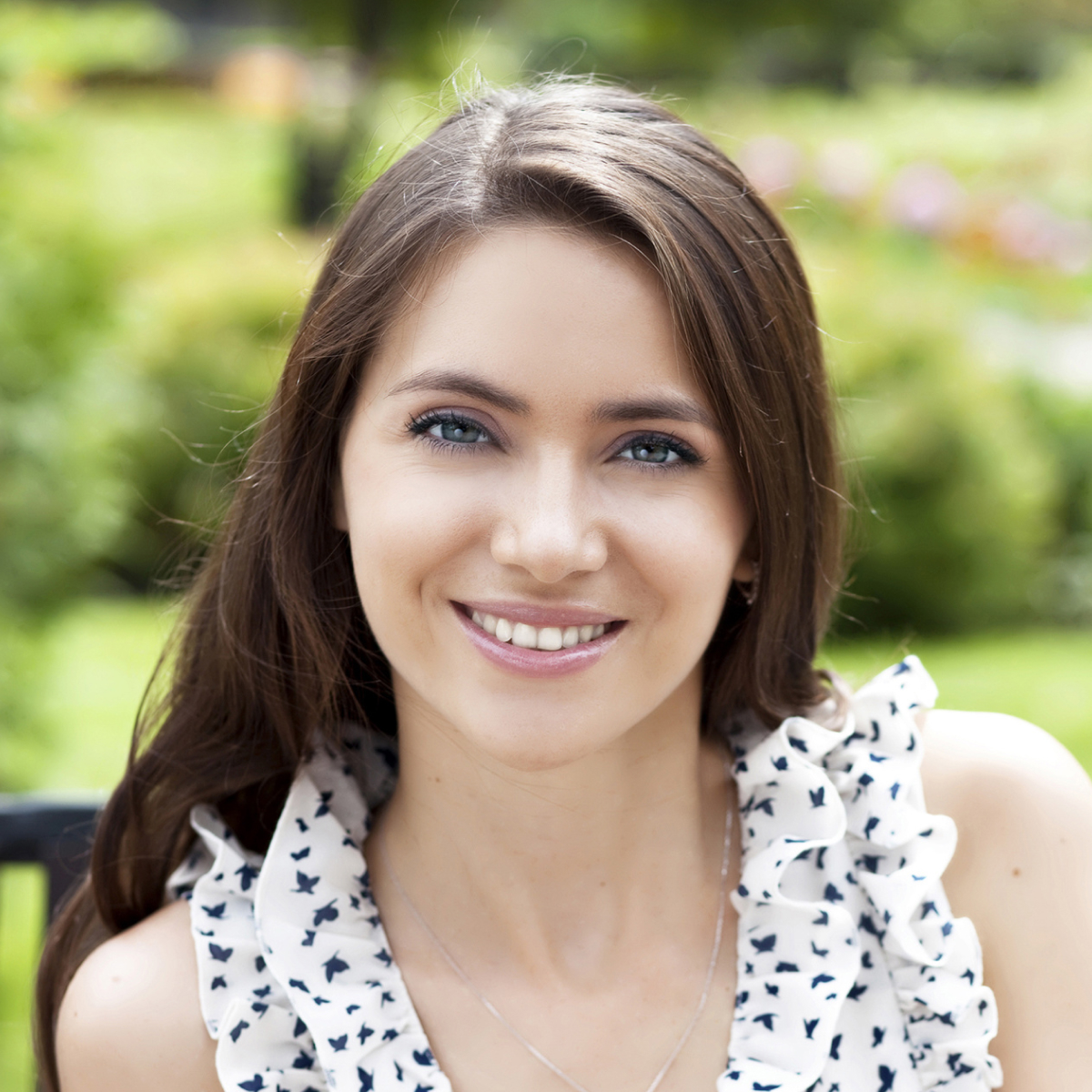
This sample renders the Image Editor inside a dialog and opens an image by URL using the open method. It demonstrates essential editing actions—selection, crop, and rotate—using the control’s straightforward APIs.
Use select to define a region, crop to trim the image to the selection, and rotate to adjust orientation in 90° increments. These operations can be triggered through toolbar buttons or invoked programmatically for custom workflows.
- Selection – Multiple shapes, adjustable aspect ratios, and drag/resize interactions.
- Crop – Apply precise crops to focus on key content.
- Rotate – Quickly correct orientation with 90° turns.
Learn more in the documentation.