How can I help you?
DateOnly Support in Blazor Calendar Component
13 Nov 20251 minute to read
The DateOnly type represents a date without a time component. To use it with the Blazor Calendar component, set the generic type parameter (TValue) to DateOnly or DateOnly?. In this mode, selection and binding operate only on the date portion.
The Blazor Calendar component supports
DateOnlystarting with .NET 7 and later. AlthoughDateOnlywas introduced in .NET 6, serialization and interoperability limitations in .NET 6 prevent reliable usage in Blazor scenarios.
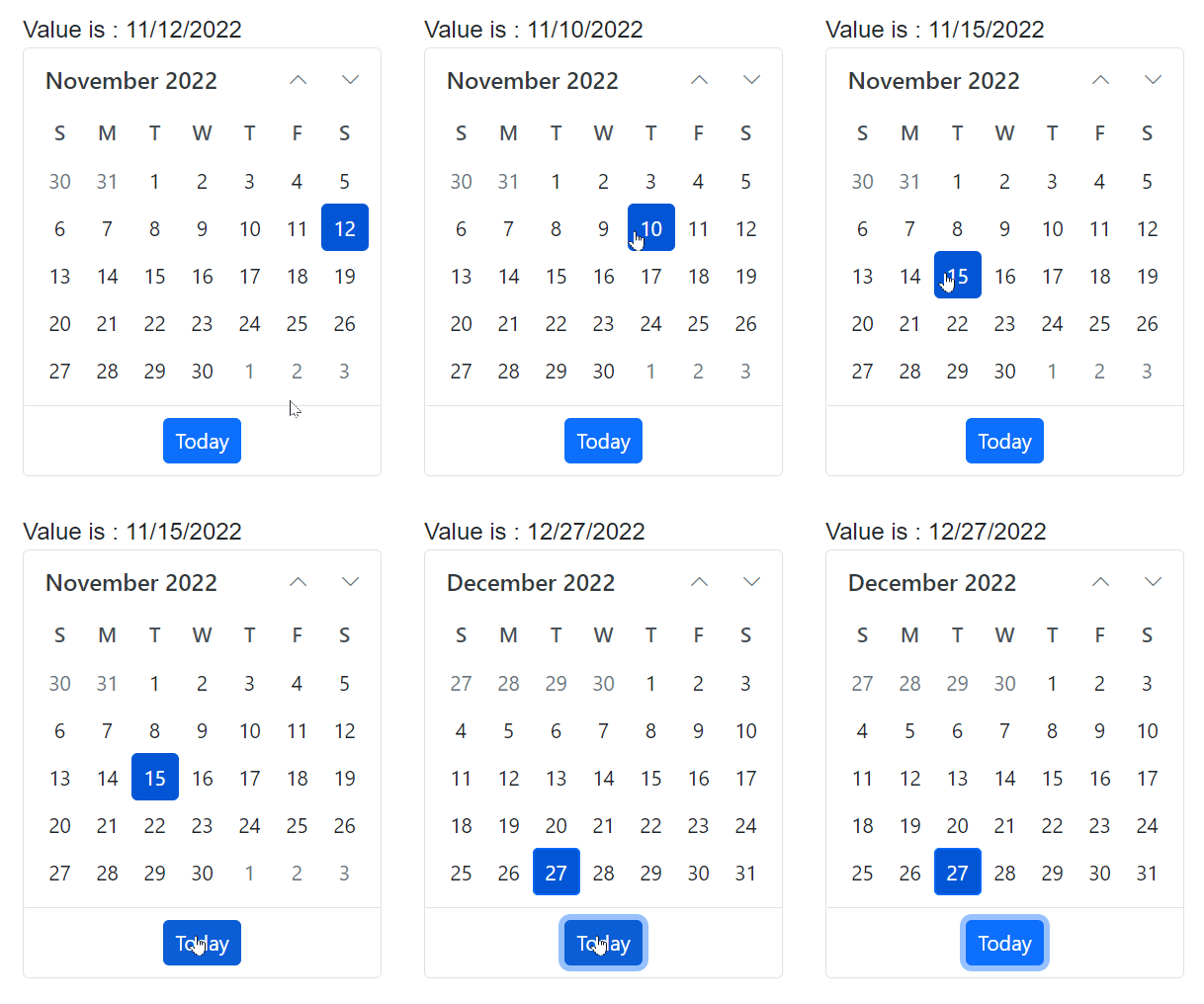
The following example demonstrates configuring the Calendar with TValue=DateOnly and binding a date-only value.
@using Syncfusion.Blazor.Calendars

<p>Date : @Value</p>

<SfCalendar TValue="DateOnly" @bind-Value="@Value"></SfCalendar>

@code
{
    public DateOnly Value { get; set; } = new DateOnly(2022, 11, 12);
}