Style and Appearance in Blazor Chat UI
6 Aug 20263 minutes to read
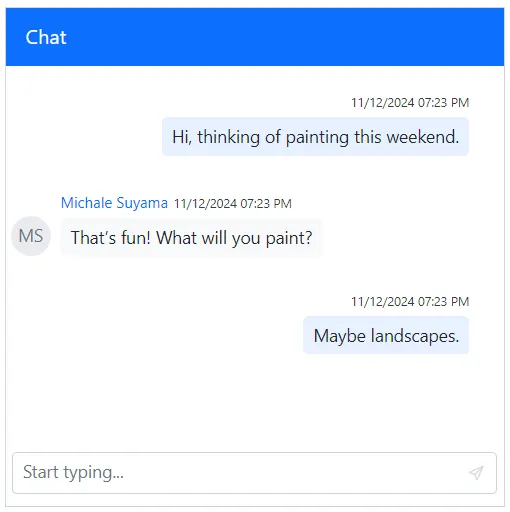
Setting placeholder
You can use the Placeholder property to set the placeholder text for the textarea. The default value is Type your message….
@using Syncfusion.Blazor.InteractiveChat

<div style="height: 400px; width: 400px;">
    <SfChatUI Placeholder="Start typing..." User="CurrentUserModel" Messages="ChatUserMessages"></SfChatUI>
</div>

@code {
    private static UserModel CurrentUserModel = new UserModel() { ID = "User1", User = "Albert" };
    private static UserModel MichaleUserModel = new UserModel() { ID = "User2", User = "Michale Suyama" };

    private List<ChatMessage> ChatUserMessages = new List<ChatMessage>()
    {
        new ChatMessage() { Text = "Hi, thinking of painting this weekend.", Author = CurrentUserModel },
        new ChatMessage() { Text = "That’s fun! What will you paint?", Author = MichaleUserModel },
        new ChatMessage() { Text = "Maybe landscapes.", Author = CurrentUserModel }
    };
}
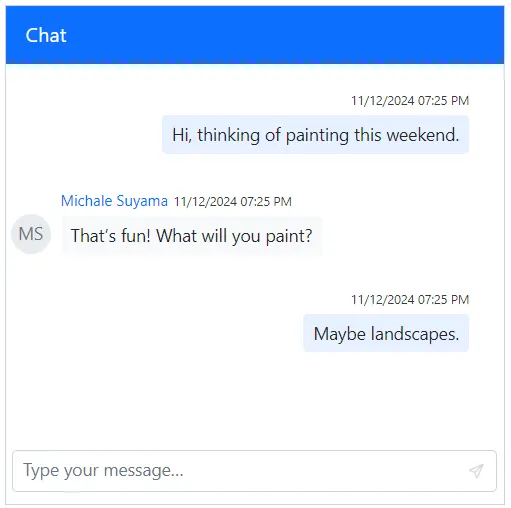
Setting width
You can use the Width property to set the width of the Chat UI. The default value is 100%.
@using Syncfusion.Blazor.InteractiveChat

<div style="height: 400px;">
    <SfChatUI Width="400px" User="CurrentUserModel" Messages="ChatUserMessages"></SfChatUI>
</div>

@code {
    private static UserModel CurrentUserModel = new UserModel() { ID = "User1", User = "Albert" };
    private static UserModel MichaleUserModel = new UserModel() { ID = "User2", User = "Michale Suyama" };

    private List<ChatMessage> ChatUserMessages = new List<ChatMessage>()
    {
        new ChatMessage() { Text = "Hi, thinking of painting this weekend.", Author = CurrentUserModel },
        new ChatMessage() { Text = "That’s fun! What will you paint?", Author = MichaleUserModel },
        new ChatMessage() { Text = "Maybe landscapes.", Author = CurrentUserModel }
    };
}
Setting height
You can use the Height property to set the height of the Chat UI. The default value is 100%.
@using Syncfusion.Blazor.InteractiveChat

<div style="width: 400px;">
    <SfChatUI Height="400px" User="CurrentUserModel" Messages="ChatUserMessages"></SfChatUI>
</div>

@code {
    private static UserModel CurrentUserModel = new UserModel() { ID = "User1", User = "Albert" };
    private static UserModel MichaleUserModel = new UserModel() { ID = "User2", User = "Michale Suyama" };

    private List<ChatMessage> ChatUserMessages = new List<ChatMessage>()
    {
        new ChatMessage() { Text = "Hi, thinking of painting this weekend.", Author = CurrentUserModel },
        new ChatMessage() { Text = "That’s fun! What will you paint?", Author = MichaleUserModel },
        new ChatMessage() { Text = "Maybe landscapes.", Author = CurrentUserModel }
    };
}
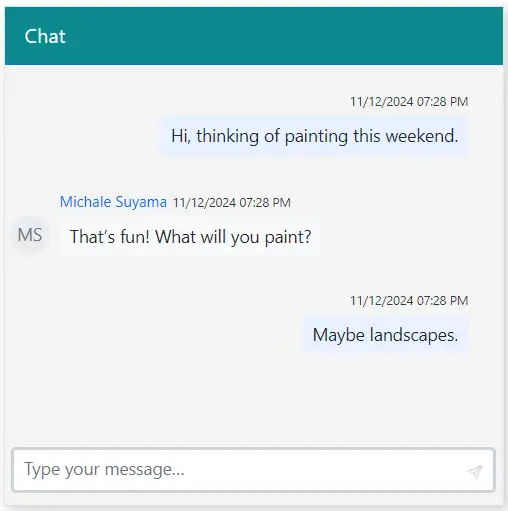
Setting CSS class
You can customize the appearance of the Chat UI component by using the CssClass property.
@using Syncfusion.Blazor.InteractiveChat

<div style="height: 400px; width: 400px;">
    <SfChatUI CssClass="custom-container" User="CurrentUserModel" Messages="ChatUserMessages"></SfChatUI>
</div>

@code {
    private static UserModel CurrentUserModel = new UserModel() { ID = "User1", User = "Albert" };
    private static UserModel MichaleUserModel = new UserModel() { ID = "User2", User = "Michale Suyama" };

    private List<ChatMessage> ChatUserMessages = new List<ChatMessage>()
    {
        new ChatMessage() { Text = "Hi, thinking of painting this weekend.", Author = CurrentUserModel },
        new ChatMessage() { Text = "That’s fun! What will you paint?", Author = MichaleUserModel },
        new ChatMessage() { Text = "Maybe landscapes.", Author = CurrentUserModel }
    };
}

<style>
    .custom-container {
        border-color: #e0e0e0;
        background-color: #f4f4f4;
        box-shadow: 3px 3px 10px 0px rgba(0, 0, 0, 0.2);
    }

    .custom-container .e-chat-header {
        background: #0c888e;
    }

    .custom-container .e-footer .e-input-group {
        border: 3px solid #bde0e2;
    }
</style>