# Getting Started with Blazor Playground
The Blazor playground allows you to develop and test any Blazor component, including both general components and pre-built Syncfusion® Blazor components.
To get started quickly with Blazor Playground, watch the following video.
{% youtube
"youtube:https://www.youtube.com/watch?v=tMu19E-xkyk" %}
## Blazor component
You can create a Blazor component in Blazor playground by following the given steps below:
* Open the [Blazor Playground](https://blazorplayground.syncfusion.com/) URL in your browser.
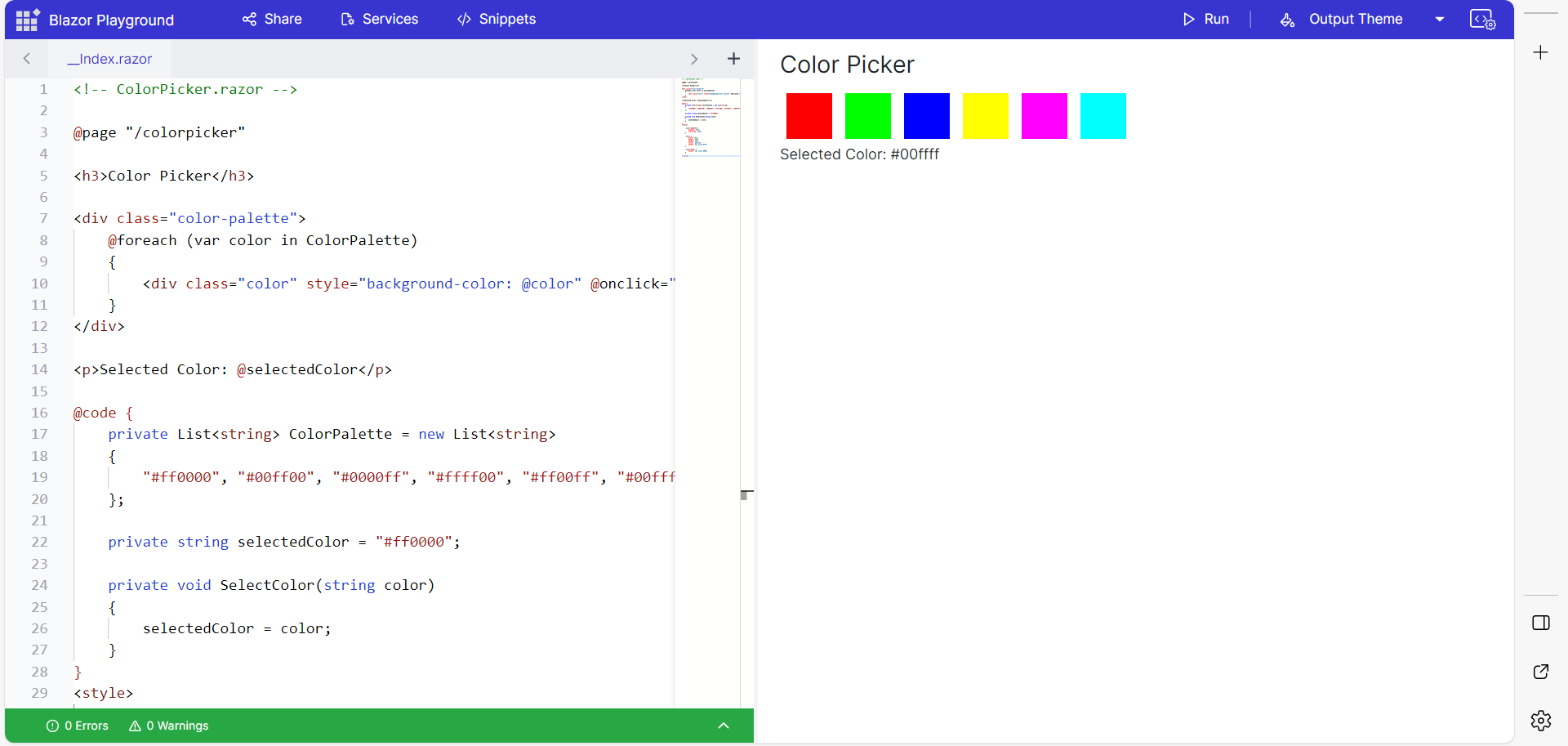
* In the editor, add the following code:
```cshtml
@page "/colorpicker"
Color Picker
@foreach (var color in ColorPalette)
{
}
Selected Color: @selectedColor
@code {
private List ColorPalette = new List
{
"#ff0000", "#00ff00", "#0000ff", "#ffff00", "#ff00ff", "#00ffff"
};
private string selectedColor = "#ff0000";
private void SelectColor(string color)
{
selectedColor = color;
}
}
```
* Press the Run button or Ctrl+R to execute the code. The output appears in the result view.
## Syncfusion® Blazor component
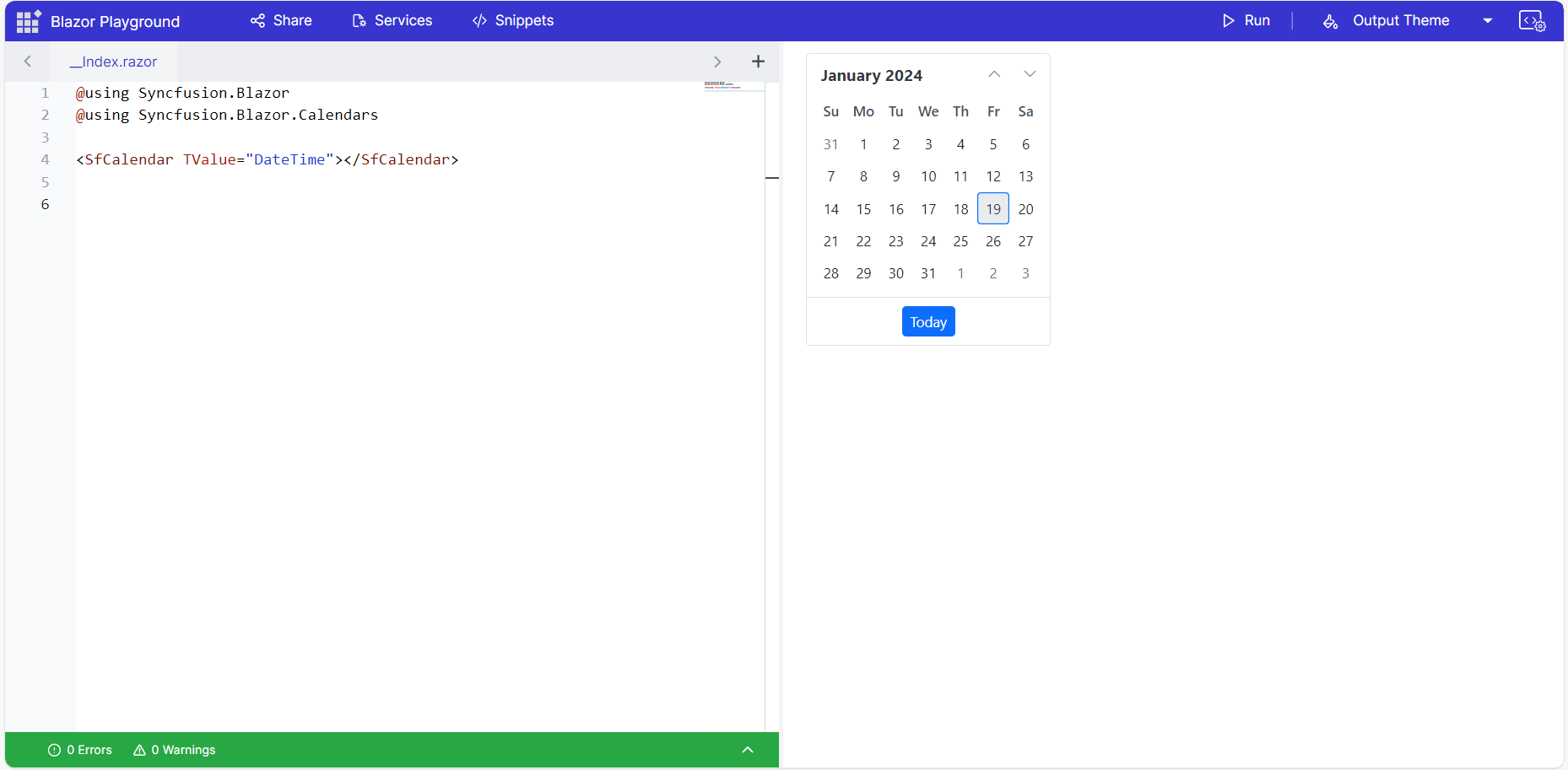
Blazor Playground is preconfigured with the `Syncfusion.Blazor` package, stylesheets, and scripts. To render Syncfusion® components in the Playground, import the required namespaces and add the component as shown below:
* Import the `Syncfusion.Blazor` and `Syncfusion.Blazor.Calendars` namespaces at the top of the editor.
```cshtml
@using Syncfusion.Blazor
@using Syncfusion.Blazor.Calendars
```
* Add the Blazor Calendar component in the editor.
```cshtml
```
* Press the Run button or Ctrl+R to execute the code. The output appears in the Result view.