How to bind data in Blazor Context Menu
27 Aug 20262 minutes to read
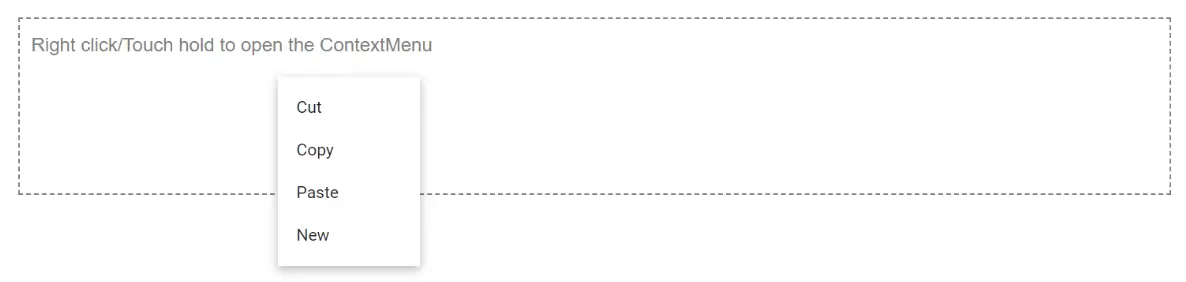
To bind a local data source to the ContextMenu, menu items are populated from the data source and mapped to the Items property. In the following example, data of different types is mapped to the Items property.
When using MenuFieldSettings, the following properties are available to map fields from your data model to the ContextMenu:
| Property | Description |
|---|---|
| Text | Maps to the Text of the menu item. |
| ParentId | Maps to the parent item identifier (used for hierarchical data). |
| IconCss | Maps to the icon CSS class of the menu item. |
| Url | Maps to the navigation URL of the menu item. |
| Children | Maps to the collection of child menu items. |
@using Syncfusion.Blazor.Navigations

<div id="target">Right click/Touch hold to open the ContextMenu </div>
<SfContextMenu Target="#target" Items="@menuItems">
    <MenuFieldSettings Text="Content"></MenuFieldSettings>
</SfContextMenu>

<style>
    #target {
        border: 1px dashed;
        height: 150px;
        padding: 10px;
        position: relative;
        text-align: justify;
        color: gray;
        user-select: none;
    }
</style>

@code {
    private List<CustomItem> menuItems = new List<CustomItem>();

    protected override void OnInitialized()
    {
        base.OnInitialized();
        menuItems.Add(new CustomItem { Content = "Cut", Id = "1" });
        menuItems.Add(new CustomItem { Content = "Copy", Id = "2" });
        menuItems.Add(new CustomItem { Content = "Paste", Id = "3" });
        menuItems.Add(new CustomItem { Content = "New", Id = "4" });
    }
    private class CustomItem
    {
        public string Content { get; set; }
        public string Id { get; set; }
    }
}