How to hide the dropdown arrow in Blazor Dropdown Menu
14 Aug 20261 minute to read
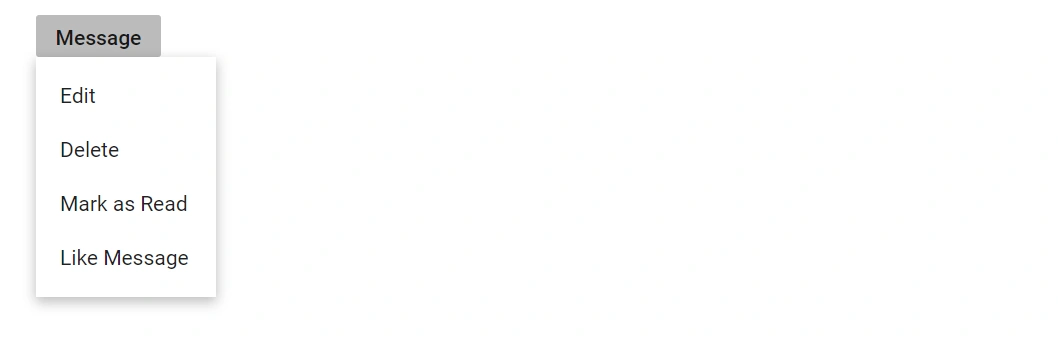
Hide the default dropdown caret in the Dropdown Menu by applying the built-in e-caret-hide CSS class through the CssClass property. This approach removes the visual indicator while preserving the button’s behavior, which is useful for icon-only buttons or custom indicators. Ensure alternate visual cues or labels are provided so users recognize the control as a dropdown.
@using Syncfusion.Blazor.SplitButtons

<SfDropDownButton CssClass="e-caret-hide" Content="Message">
    <DropDownMenuItems>
        <DropDownMenuItem Text="Edit"></DropDownMenuItem>
        <DropDownMenuItem Text="Delete"></DropDownMenuItem>
        <DropDownMenuItem Text="Mark as Read"></DropDownMenuItem>
        <DropDownMenuItem Text="Like Message"></DropDownMenuItem>
    </DropDownMenuItems>
</SfDropDownButton>