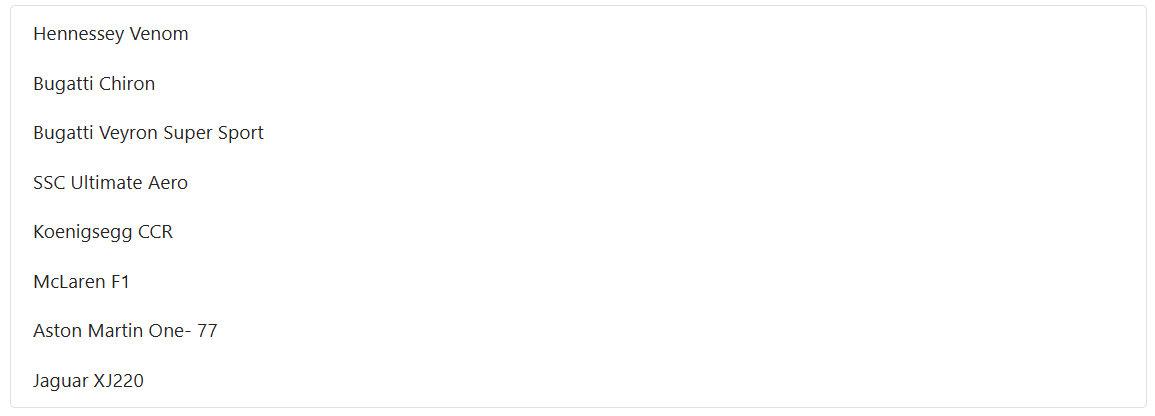
How to bind change events in Blazor ListBox
20 Aug 20261 minute to read
The ValueChange event in ListBoxEvents binds a change handler. This event is triggered whenever the selected value in the ListBox changes because of a user interaction, such as selecting or deselecting an item.
The handler receives a ListBoxChangeEventArgs payload that exposes the following key properties:
-
Value– The currently selected values. -
Items– The data items currently bound to the ListBox.
@using Syncfusion.Blazor.DropDowns

<SfListBox TValue="string[]" TItem="VehicleData" DataSource="@Vehicles">
    <ListBoxEvents TValue="string[]" ValueChange="OnValueChange" TItem="VehicleData"></ListBoxEvents>
    <ListBoxFieldSettings Text="Text" Value="Id" />
</SfListBox>

@code {
    public List<VehicleData> Vehicles = new List<VehicleData>
        {
        new VehicleData { Text = "Hennessey Venom", Id = "Vehicle-01" },
        new VehicleData { Text = "Bugatti Chiron", Id = "Vehicle-02" },
        new VehicleData { Text = "Bugatti Veyron Super Sport", Id = "Vehicle-03" },
        new VehicleData { Text = "SSC Ultimate Aero", Id = "Vehicle-04" },
        new VehicleData { Text = "Koenigsegg CCR", Id = "Vehicle-05" },
        new VehicleData { Text = "McLaren F1", Id = "Vehicle-06" },
        new VehicleData { Text = "Aston Martin One-77", Id = "Vehicle-07" },
        new VehicleData { Text = "Jaguar XJ220", Id = "Vehicle-08" }
        };

    public class VehicleData {
        public string Text { get; set; }
        public string Id { get; set; }
    }

    private void OnValueChange(ListBoxChangeEventArgs<string[], VehicleData> args)
    {
        //Triggers when value changed
    }
}