---
layout: post
title: How to bind change events in Blazor ListBox | Syncfusion
description: Handle Blazor ListBox value changes by binding the ValueChange event to respond to selection updates.
platform: Blazor
control: List Box
documentation: ug
---
# How to bind change events in Blazor ListBox
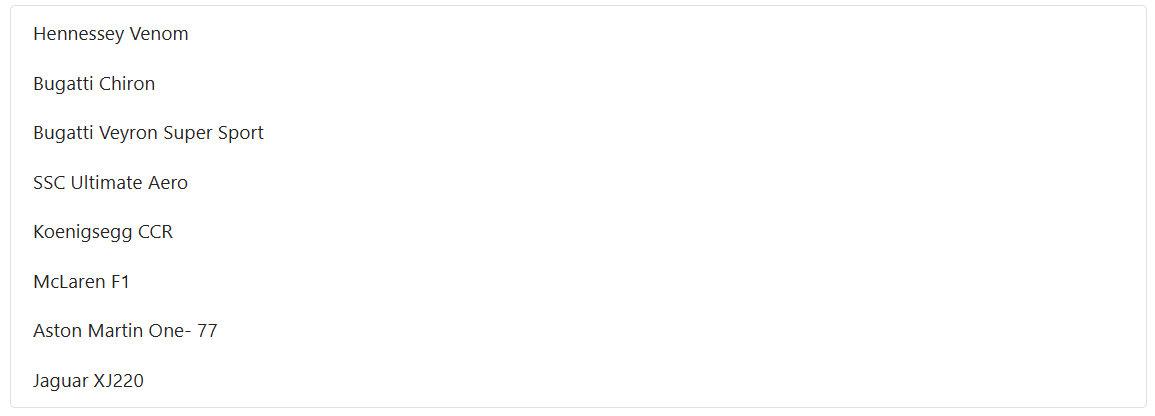
The [ValueChange](https://help.syncfusion.com/cr/blazor/Syncfusion.Blazor.DropDowns.ListBoxEvents-2.html#Syncfusion_Blazor_DropDowns_ListBoxEvents_2_ValueChange) event of the Blazor ListBox is triggered whenever the selected value changes because of a user interaction, such as selecting or deselecting an item. The event is exposed through the [ListBoxEvents](https://help.syncfusion.com/cr/blazor/Syncfusion.Blazor.DropDowns.ListBoxEvents-2.html) child component and delivers a [ListBoxChangeEventArgs](https://help.syncfusion.com/cr/blazor/Syncfusion.Blazor.DropDowns.ListBoxChangeEventArgs-2.html) payload to the handler.
```cshtml
@using Syncfusion.Blazor.DropDowns
@code {
public List Vehicles = new List
{
new VehicleData { Text = "Hennessey Venom", Id = "Vehicle-01" },
new VehicleData { Text = "Bugatti Chiron", Id = "Vehicle-02" },
new VehicleData { Text = "Bugatti Veyron Super Sport", Id = "Vehicle-03" },
new VehicleData { Text = "SSC Ultimate Aero", Id = "Vehicle-04" },
new VehicleData { Text = "Koenigsegg CCR", Id = "Vehicle-05" },
new VehicleData { Text = "McLaren F1", Id = "Vehicle-06" },
new VehicleData { Text = "Aston Martin One-77", Id = "Vehicle-07" },
new VehicleData { Text = "Jaguar XJ220", Id = "Vehicle-08" }
};
public class VehicleData {
public string Text { get; set; }
public string Id { get; set; }
}
private void change(ListBoxChangeEventArgs args)
{
//Triggers when value changed
}
}
```
## See also
* [Select Items in Blazor ListBox](./select-items.md)
* [Get Items in Blazor ListBox](./get-items.md)
* [Data Binding in Blazor ListBox](./../data-binding.md)
* [Selection in Blazor ListBox](./../selection.md)