How to enable scroller in Blazor ListBox
14 Aug 20261 minute to read
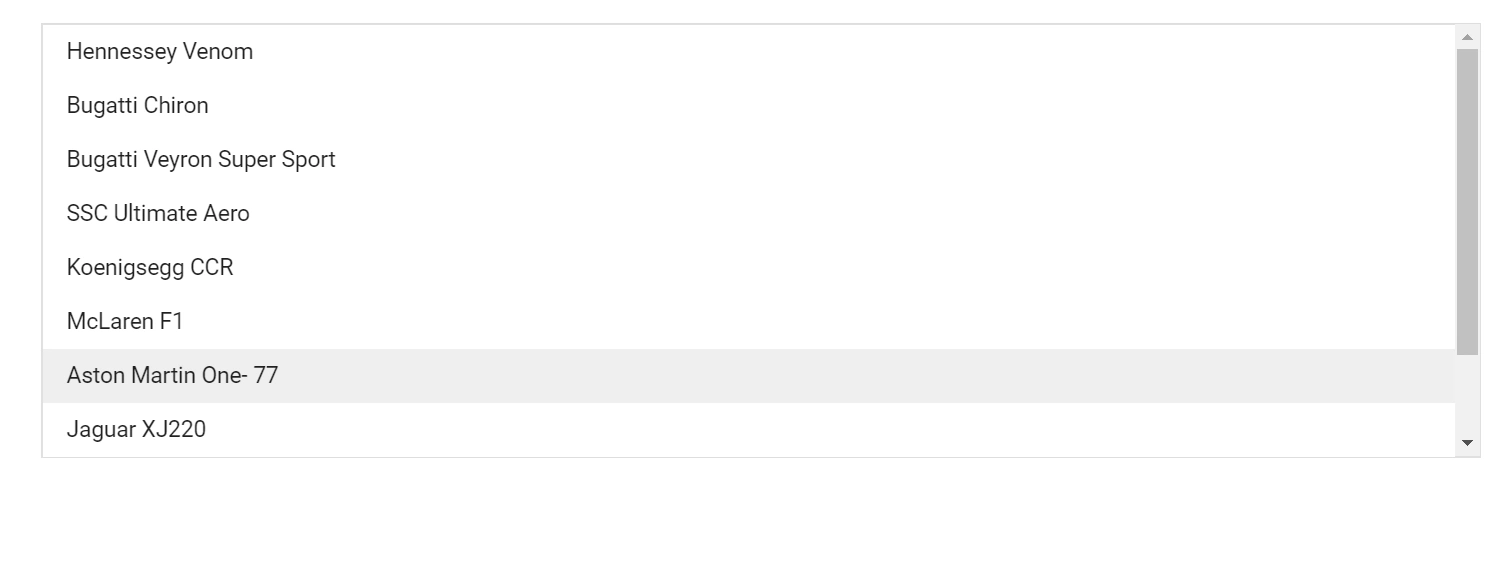
The Blazor ListBox supports scrolling when its visible height is restricted. By default, the ListBox auto-calculates its height to fit all items, so the scroller does not appear. Use the Height property to set a fixed height and enable the scroller. In the following example, the Height of the ListBox is set to 250px, which is smaller than the combined height of the eight items and causes the scrollbar to appear.
@using Syncfusion.Blazor.DropDowns

<SfListBox TValue="string[]" DataSource="@Vehicles" Height="250px" TItem="VehicleData">
   <ListBoxFieldSettings Text="Text" Value="Id" />
</SfListBox>

@code {
   public List<VehicleData> Vehicles = new List<VehicleData> {
        new VehicleData { Text = "Hennessey Venom", Id = "Vehicle-01" },
        new VehicleData { Text = "Bugatti Chiron", Id = "Vehicle-02" },
        new VehicleData { Text = "Bugatti Veyron Super Sport", Id = "Vehicle-03" },
        new VehicleData { Text = "SSC Ultimate Aero", Id = "Vehicle-04" },
        new VehicleData { Text = "Koenigsegg CCR", Id = "Vehicle-05" },
        new VehicleData { Text = "McLaren F1", Id = "Vehicle-06" },
        new VehicleData { Text = "Aston Martin One-77", Id = "Vehicle-07" },
        new VehicleData { Text = "Jaguar XJ220", Id = "Vehicle-08" }
    };

    public class VehicleData {
      public string Text { get; set; }
      public string Id { get; set; }
    }
}