How to select items in Blazor ListBox
14 Aug 20262 minutes to read
Use the SelectItemsAsync method to programmatically select or deselect items in the Blazor ListBox. The first parameter accepts the value or values to act on, and the second parameter specifies the selection state: set it to true to select the items, or false to deselect them.
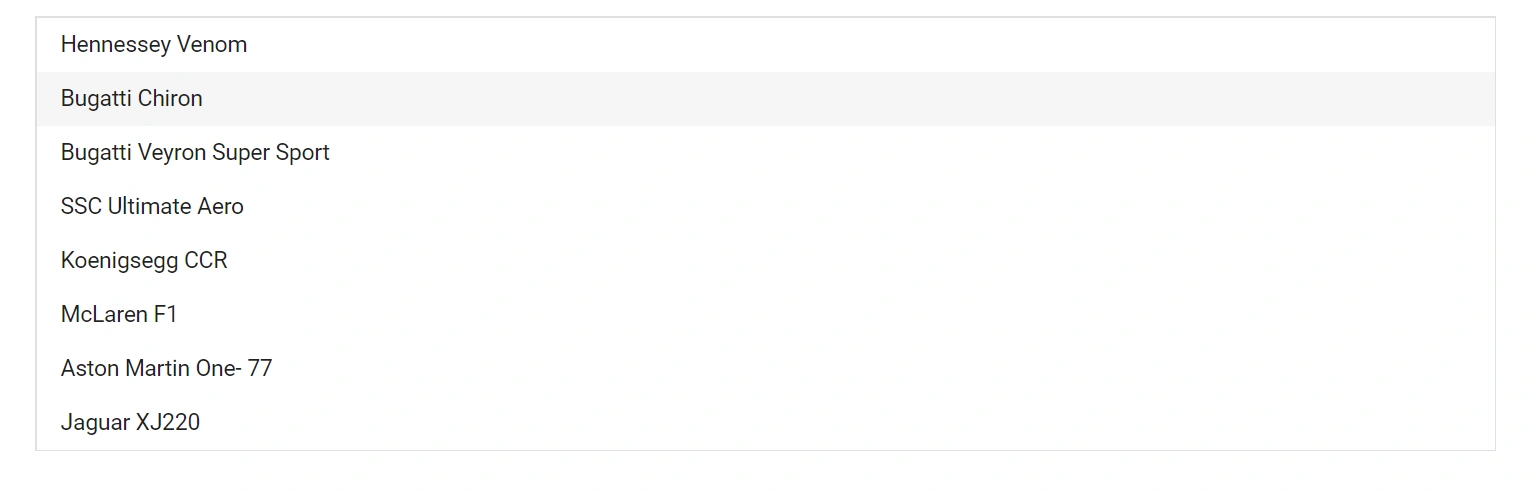
In the following example, selection is triggered from the Created event to ensure the component is fully initialized before the method is called. The TValue is string[], which enables multiple selection. Values that do not match any item are silently ignored and no exception is thrown.
@using Syncfusion.Blazor.DropDowns

<SfListBox TValue="string[]" TItem="VehicleData" DataSource="@Vehicles" @ref="ListBoxObj">
    <ListBoxEvents TValue="string[]" Created="created" TItem="VehicleData"></ListBoxEvents>
    <ListBoxFieldSettings Text="Text" Value="Text" />
</SfListBox>

@code {
    SfListBox<string[],VehicleData> ListBoxObj;
    public List<VehicleData> Vehicles = new List<VehicleData> {
        new VehicleData { Text = "Hennessey Venom", Id = "Vehicle-01" },
        new VehicleData { Text = "Bugatti Chiron", Id = "Vehicle-02" },
        new VehicleData { Text = "Bugatti Veyron Super Sport", Id = "Vehicle-03" },
        new VehicleData { Text = "SSC Ultimate Aero", Id = "Vehicle-04" },
        new VehicleData { Text = "Koenigsegg CCR", Id = "Vehicle-05" },
        new VehicleData { Text = "McLaren F1", Id = "Vehicle-06" },
        new VehicleData { Text = "Aston Martin One-77", Id = "Vehicle-07" },
        new VehicleData { Text = "Jaguar XJ220", Id = "Vehicle-08" }
    };

    public class VehicleData {
      public string Text { get; set; }
      public string Id { get; set; }
    }
    public string[] Value = new string[] { "Bugatti Chiron" };
    private async Task created(object args)
    {
        await ListBoxObj.SelectItemsAsync(this.Value, true);
    }
}