Virtualization in Blazor MultiColumn ComboBox
26 Aug 20264 minutes to read
The Blazor MultiColumn ComboBox supports virtualization to improve performance with large datasets. When EnableVirtualization is enabled, the component initially renders only the items needed to fill the visible popup area. As the user scrolls, additional items are fetched and rendered on demand, creating smooth scrolling with reduced DOM size.
This feature is applicable to both local and remote data scenarios, providing flexibility in its implementation. For instance, consider a case where the Blazor MultiColumn ComboBox is bound to a dataset containing 2000 items. Upon opening the dropdown, only a few items are loaded initially, based on the height of the popup. As you scroll through the list, additional items are fetched and loaded on-demand, allowing you to effortlessly explore the complete dataset.
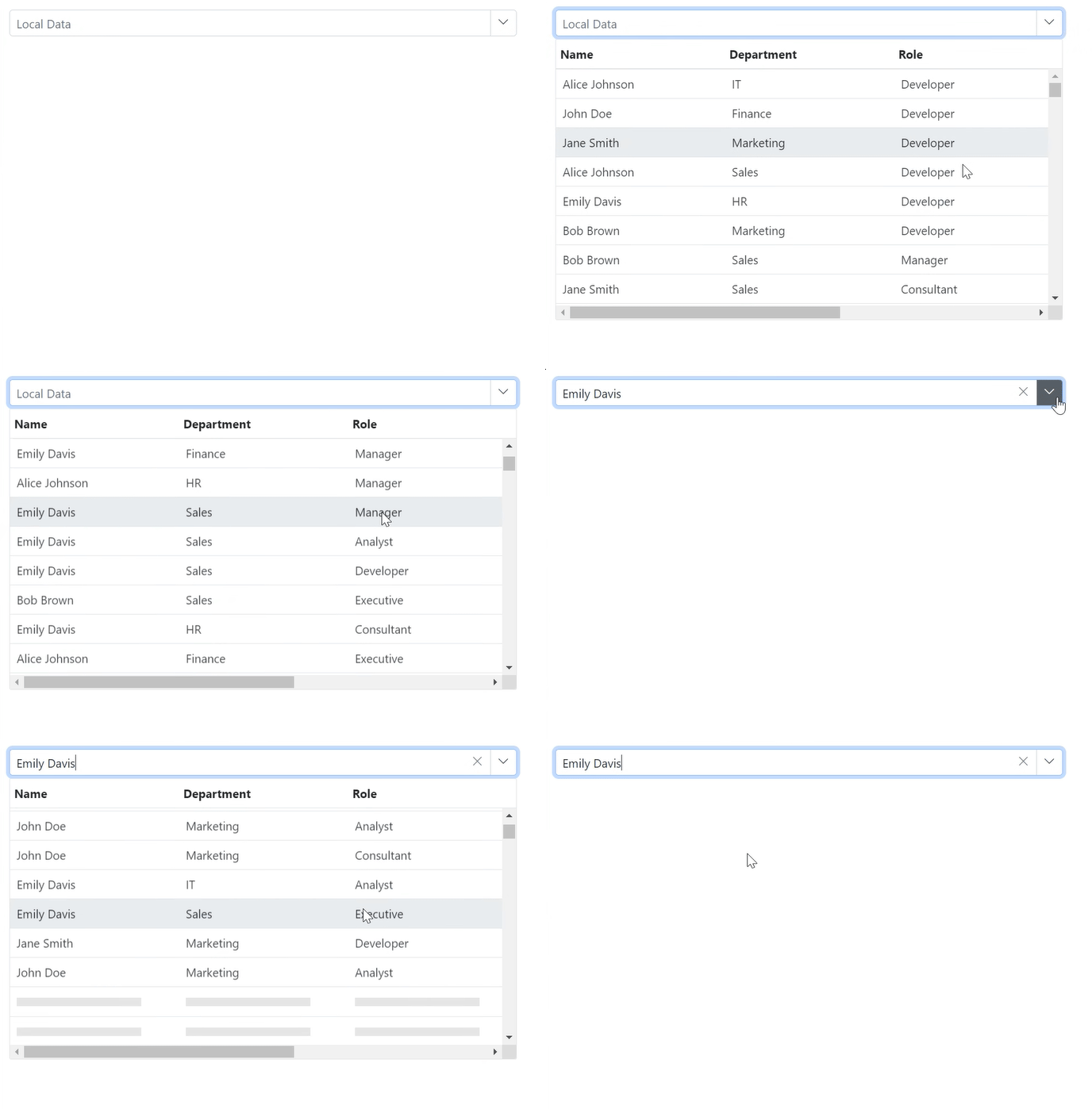
Local Data
@using Syncfusion.Blazor
@using Syncfusion.Blazor.MultiColumnComboBox

<SfMultiColumnComboBox TItem="Employee" TValue="string" EnableVirtualization="true" TextField="Name" Width="600px" @bind-Value="@Value" DataSource="@Employees" ValueField="Name" Placeholder="Local Data">
</SfMultiColumnComboBox>
@code {
    public class Employee
    {
        public string Name { get; set; }
        public string Department { get; set; }
        public string Role { get; set; }
        public string Location { get; set; }
        public int Experience { get; set; }
    }
    private string Value { get; set; } = "Alice Johnson";
    private List<Employee> Employees = new List<Employee>();
    protected override Task OnInitializedAsync()
    {
        List<Employee> employees = new List<Employee>();
        string[] names = { "John Doe", "Jane Smith", "Alice Johnson", "Bob Brown", "Emily Davis" };
        string[] departments = { "HR", "IT", "Finance", "Marketing", "Sales" };
        string[] roles = { "Manager", "Developer", "Analyst", "Consultant", "Executive" };
        string[] locations = { "New York", "San Francisco", "London", "Berlin", "Tokyo" };
        Random rand = new Random();
        for (int i = 1; i <= 2000; i++)
        {
            employees.Add(new Employee
                {
                    Name = names[rand.Next(names.Length)],
                    Department = departments[rand.Next(departments.Length)],
                    Role = roles[rand.Next(roles.Length)],
                    Location = locations[rand.Next(locations.Length)],
                    Experience = rand.Next(1, 21) // Experience between 1 and 20 years
                });
        }
        Employees = employees;
        return base.OnInitializedAsync();
    }
}
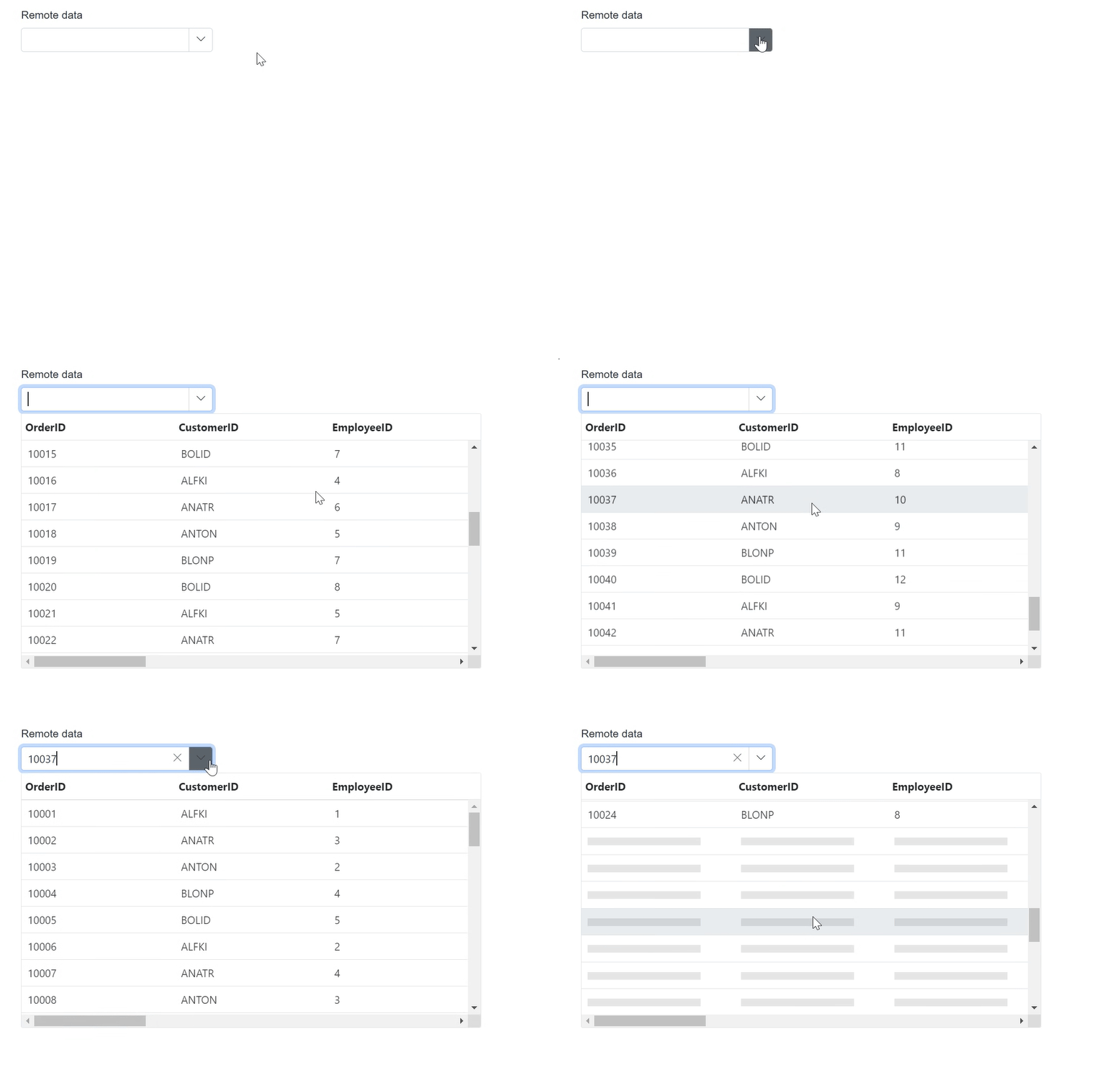
Remote Data
@using Syncfusion.Blazor.MultiColumnComboBox
@using Syncfusion.Blazor.Data

<SfMultiColumnComboBox TItem="OrderDetails" TValue="int?" EnableVirtualization="true" ValueField="OrderID" TextField="OrderID" PopupWidth="600px">
    <SfDataManager Url="https://blazor.syncfusion.com/services/production/api/Orders" Offline="true" CrossDomain="true" Adaptor="Syncfusion.Blazor.Adaptors.WebApiAdaptor" />
</SfMultiColumnComboBox>
@code {
    public Query RemoteQuery = new Query();
    public class OrderDetails
    {
        public int? OrderID { get; set; }
        public string CustomerID { get; set; }
        public int? EmployeeID { get; set; }
        public double? Freight { get; set; }
        public string ShipCity { get; set; }
        public bool Verified { get; set; }
        public DateTime? OrderDate { get; set; }
        public string ShipName { get; set; }
        public string ShipCountry { get; set; }
        public DateTime? ShippedDate { get; set; }
        public string ShipAddress { get; set; }
    }
}