Blazor DataGrid Example - Inventory Dashboard
This demo passes automated axe checks with 0 violations — semantic markup, ARIA, full keyboard operation, visible focus. Section 508 conformant
Accessibility report
VPAT
Product | Category Press Enter to sort. Press Alt Down to open filter Menu | Sales (30 Days) | Price | Rating | Status |
|---|
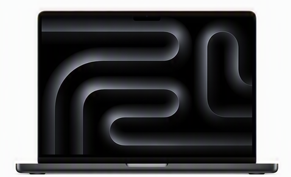
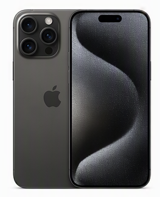
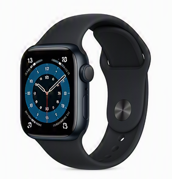
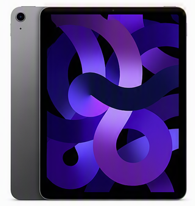
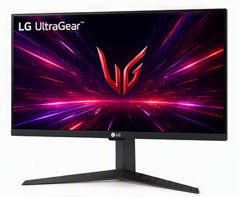
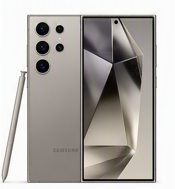
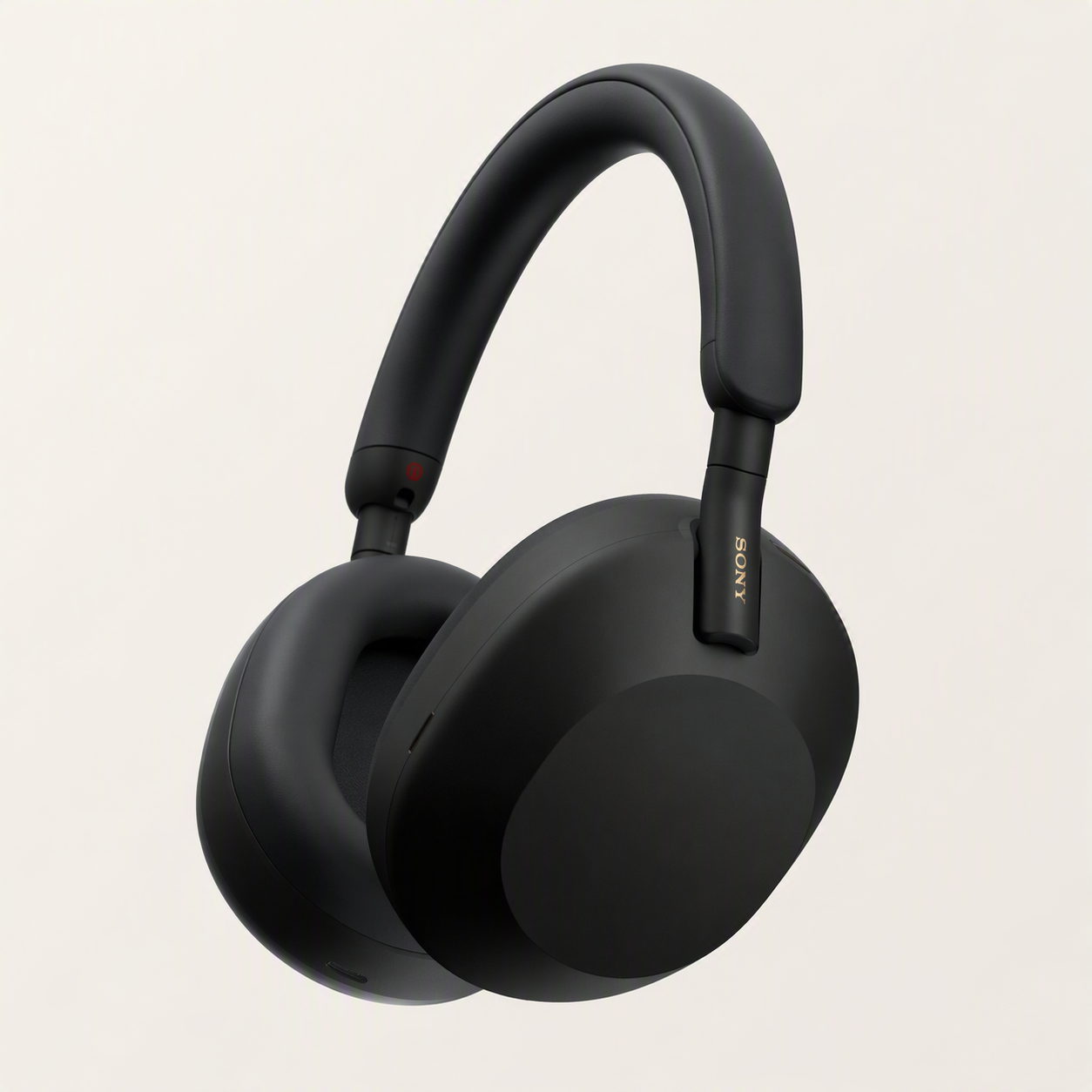

This demo showcases the Syncfusion® Blazor DataGrid displaying a comprehensive inventory dashboard with rich inventory data and interactive row details.
The DataGrid is populated with detailed product information, including product name, category, sales, ratings, pricing and stock status. Each row can be expanded to reveal a structured card-based layout with product descriptions, key highlights, technical specifications, and detailed pricing information.
This demo highlights the DataGrid's capability to present rich, interactive data with enhanced visual elements:
- Display product images and icons for quick visual identification
- Render star ratings, review counts, and sales indicators using custom layouts
- Leverage the Column Template feature to design fully customized cells
- Use the Detail Template feature to organize expanded row content into a clean, card-based view
Column and detail template features empower the design of fully customized grid cells with custom content, enabling a rich and visually appealing data presentation experience.
For more detailed information about the detail template feature, refer to the detail template documentation.
Looking for the full Blazor DataGrid component overview, features, pricing, and documentation? Visit our Blazor DataGrid component page.